
Logitech Visual Support: Close the Meeting-Room Handoff Gap

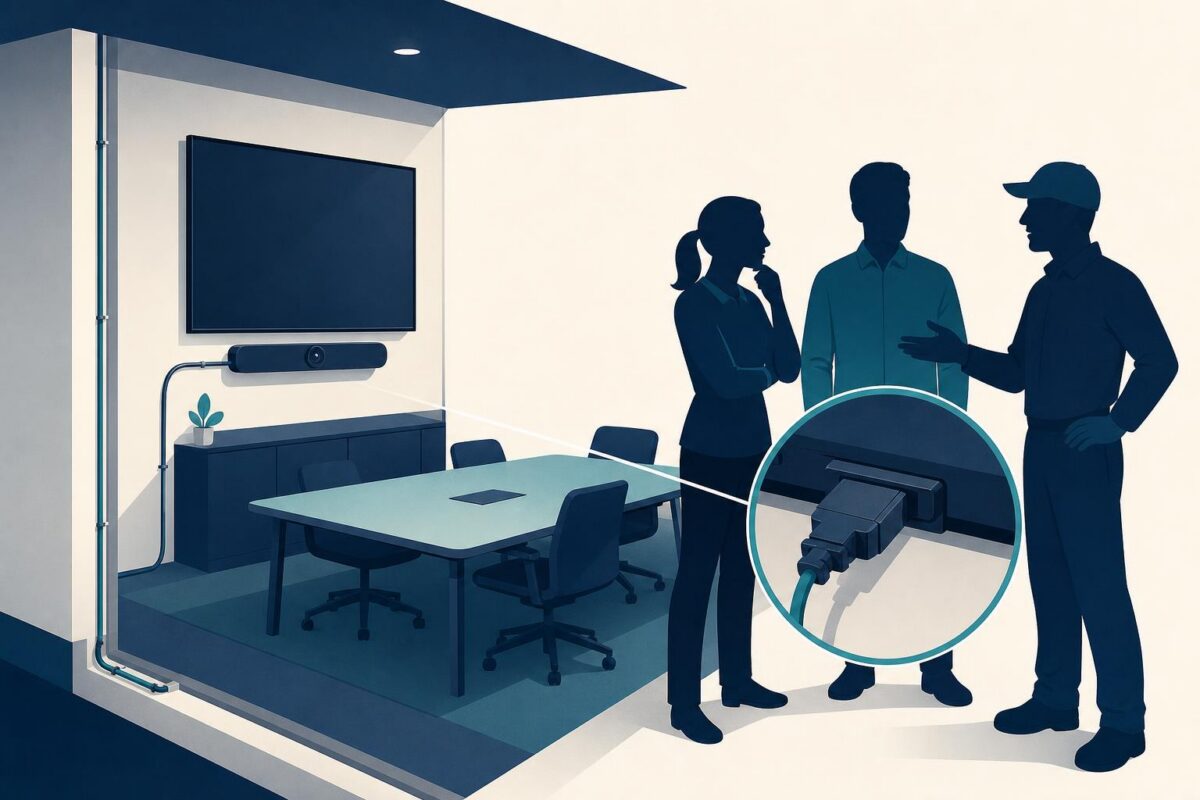
Logitech visual support would be most useful when a meeting-room problem falls between teams. The person in the room sees a blank display or cannot hear a participant. IT sees a service request. The installer remembers a working room. Each has part of the story, but nobody necessarily has the same view of the current setup.
Viewabo is a strong prospective fit for that physical handoff. Its high-level role is to help people see and discuss the equipment context together. This article is an independent analysis of a possible support approach, not a claim that Logitech uses or endorses Viewabo.
A room is more than its conferencing software
Logitech’s January 2021 announcement of meeting-room appliances introduced Rally Bar, Rally Bar Mini, and RoomMate in the context of changing workplace collaboration. That dated announcement establishes the relevant product setting: purpose-built equipment installed in real meeting spaces.
The Viewabo vs Microsoft Teams comparison separates internal collaboration from the needs of an external customer with a physical product problem.
The operational implication is our analysis. Supporting that equipment requires attention to the room as well as the application. A software status alone does not explain which display a person is looking at, where the equipment sits, or what changed after an installation.
Imagine a room that worked before a furniture move. An agent should not assume that a new software issue caused the failure. Equally, visible cable disorder does not prove a connection fault. The task is to establish the current arrangement and choose a justified next check.
Give each team an observation it can own
Start with the user’s failed task. Can remote participants hear the room? Can the people in the room see the meeting? Does the issue affect a single activity or the whole setup? These questions divide a vague room complaint into useful branches.
Next, ask an authorized onsite person to show the accessible equipment and describe what changed. The agent can relate those observations to the approved room design. Nobody should need to remove a mounted display, reach into a ceiling, or expose restricted office areas for this conversation.
The resulting handoff should distinguish observations from conclusions. For example, an agent might confirm which screen is active without claiming to know why another screen is blank. IT can own software investigation while a qualified installer owns inaccessible cabling. Clear boundaries prevent two teams from each assuming the other has ruled something out.
Where Logitech visual support could add value
There are three especially useful moments to evaluate. The first is after installation, when the organization needs to confirm that the room supports its intended meeting. The second is after a change, when a known arrangement needs comparison with the current one. The third is during escalation, when a remote specialist needs physical context before recommending onsite work.
These are related but different decisions. Installation acceptance asks whether the intended task works. Change review asks what differs. Escalation asks what the next specialist needs to know. A single generic checklist should not blur those purposes.
With Viewabo, the proposed benefit is a shared visual reference during those conversations. It is not a replacement for Logitech documentation, authorized installation, or an organization’s IT controls. There is also no need to promise that every issue can be solved without a visit.
Close the original meeting task, not just the ticket
A room should not be declared ready merely because an indicator looks normal. Ask the authorized user to repeat the task that failed under the same relevant conditions. When another participant is needed, arrange a controlled check that avoids exposing a real confidential meeting.
Document which part of the task was verified. A successful local display does not establish that remote participants receive the intended experience. If the support team cannot verify the entire task, the handoff should say so plainly rather than converting a partial observation into a complete success.
This is particularly important when several suppliers contribute to a room. The customer should not carry the burden of translating each team’s conclusion. A concise record of equipment identity, observed behavior, and untested conditions gives the next owner a useful starting point.
The same evidence requirements belong in support escalation handoffs, so the next team can investigate the room without restarting intake.
Evaluate the handoff, not the novelty
A Logitech visual support pilot could focus on one room type and one recurring handoff boundary. Measure whether the next team receives enough context, how often users repeat their explanation, and whether the room passes its agreed acceptance task. Compare like-for-like incidents rather than assuming any change came from the visual approach.
Keep meeting content, credentials, and employee information outside the observation. An agent usually needs the room arrangement, not a view of everything happening in the office. If access is restricted, the correct outcome may be an authorized onsite inspection.
For support leaders, the case for Logitech visual support is therefore specific: it can help align people around the physical facts before responsibility changes hands. The broader principle is explained in phone-only troubleshooting versus visual support. Better room support begins when each team knows what has been seen, what remains uncertain, and who owns the next action.