
D-Link Visual Support: Identify the Cable Before the Network Change

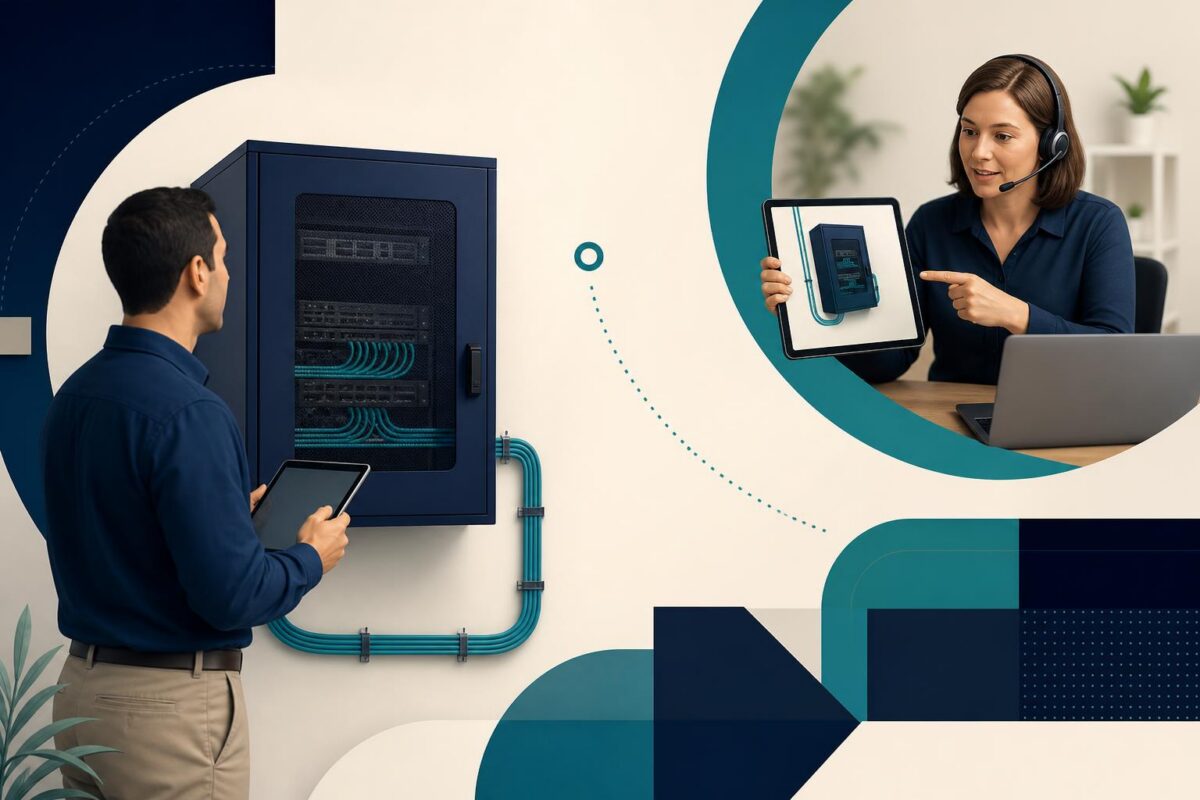
D-Link visual support could be valuable when a small-business network problem reaches someone who can see the equipment but cannot confidently identify it. A remote specialist asks about a switch or cable. The onsite employee sees several similar boxes and connections. The support problem begins with a missing common reference.
That is a strong prospective fit for Viewabo’s high-level role in visual communication. This is an independent analysis, not a claim that D-Link uses or endorses Viewabo.
Small-business networking is still a physical system
D-Link’s September 2020 switch announcement describes equipment for business networks, including small and medium-sized organizations. The relevant point is the product’s role within an operating site. A network interruption can involve equipment that a nontechnical employee rarely needs to name.
Consider a hypothetical office where one work area loses connectivity. The person reporting the issue may know which desks are affected but not which cabinet or switch serves them. Those are different kinds of knowledge, and support needs both.
Start with the scope of the interruption. Which ordinary task fails, where does it fail, and what appears unaffected? That description should remain separate from any assumption about the switch. It helps the specialist decide which physical reference is actually needed.
D-Link visual support should begin with identification
A focused shared view could help establish the relevant cabinet, device, or accessible cable label. The agent can ask for the exact information required by the organization’s support procedure rather than relying on relative phrases such as the box on the left.
Relative descriptions are fragile. The employee may stand on a different side of the cabinet, or equipment may have moved since the last visit. A useful support record connects the observation to a stable site reference and confirmed equipment identity.
However, seeing a cable enter a port does not establish everything about the network path. Physical observation is one layer of evidence. Configuration, traffic, and other technical questions still belong to the appropriate diagnostic process.
The home router support workflow makes the physical connection map explicit before a network setting is changed.
Do not make the nearest employee the network technician
An employee may be authorized to observe but not disconnect equipment. Define that role before requesting a demonstration. Business urgency should not silently expand the person’s authority or turn uncertain instructions into a production change.
Stay with safe, accessible observations. Restricted cabinets, overhead equipment, or unclear electrical conditions require the right onsite professional. If the desired detail cannot be obtained within the employee’s role, record the gap and plan the next step.
Viewabo could help support staff and onsite observers understand the same physical context. It does not grant administrative permission, determine safe access, or replace network management tools. Clear boundaries make the visual contribution more useful.
Avoid changing several connections to find one problem
A busy cabinet may tempt a team to try different cables until something changes. That can affect unrelated users and make the original condition harder to reconstruct. An approved technical action should have a defined target and purpose.
Before the action, confirm the intended device and connection through the organization’s procedure. State what observation would support or challenge the working hypothesis. Preserve the starting arrangement so the team can explain the result accurately.
Our recommendation is to keep the case record in two parts: physical observations and technical conclusions. If a connection appears different from the documentation, record that discrepancy. Do not quietly treat the old record or the new impression as definitive without resolving it.
Carry the site context into escalation
If a network administrator or field technician must continue, the handoff should identify the affected task, relevant location, equipment identity, and completed checks. Include what remains unknown. A brief statement of uncertainty is more useful than an unsupported diagnosis.
The onsite employee should know whether to preserve the current arrangement, wait for an authorized visit, or follow a specific approved instruction. This prevents another well-intentioned person from making unrelated changes before support resumes.
Once the issue is resolved, return any confirmed location or identification corrections to the normal site records. Otherwise, the next incident may begin with the same naming confusion even though this one was handled successfully.
Measure a better starting point for technical work
A D-Link visual support pilot could examine small-business cases that need an onsite observer. Review identification errors, repeated location questions, and the completeness of handoffs. Evaluate resolution outcomes as well; a clear picture is useful only if it improves the support decision.
The broader case for video in customer support applies before the technical change. D-Link could evaluate Viewabo where accurately identifying the physical network is the missing step between a business complaint and an authorized investigation.