
Projector Support: Diagnose the Image in Its Actual Room

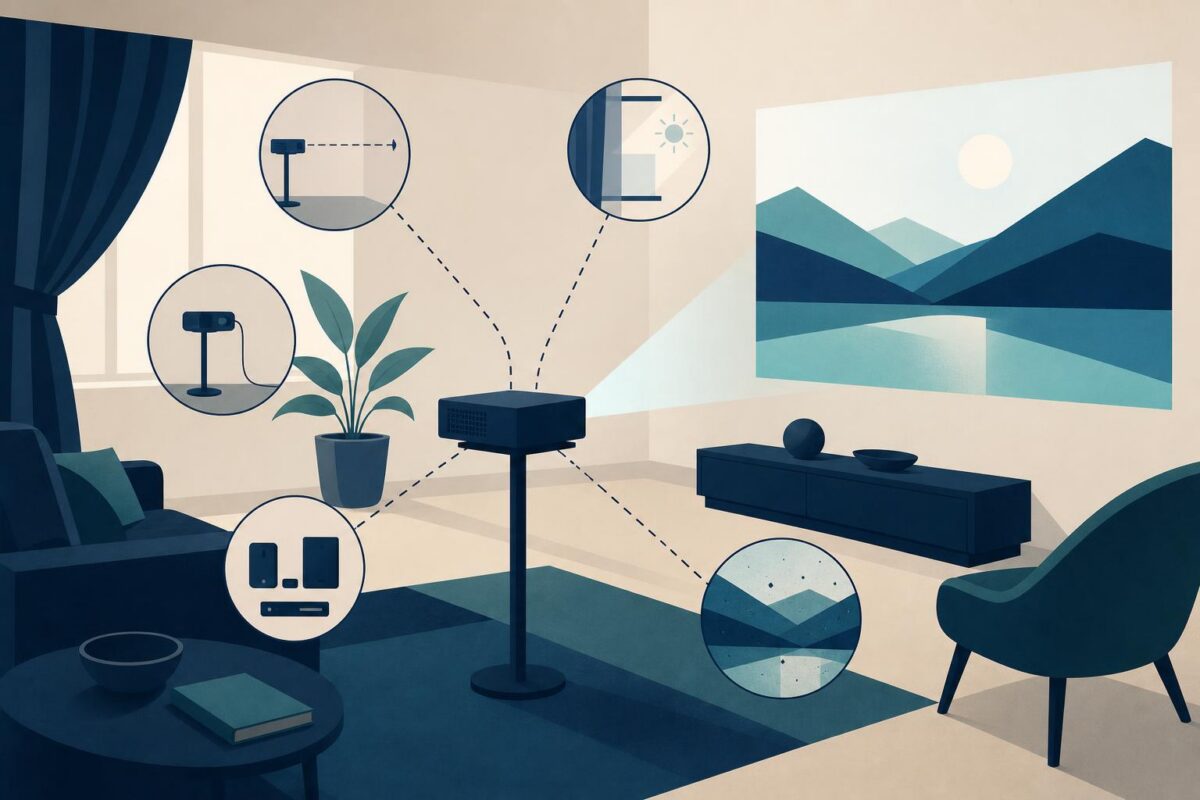
Projector support needs to include the room. A picture that looks washed out, distorted, or incomplete may reflect placement and surroundings as much as the projector itself. A source can also send no usable image while the projector’s own menu appears normally. Support should separate those situations before recommending a replacement.
Viewabo can help an agent understand the physical arrangement: projector, screen, source, and ambient conditions. A shared view makes a placement conversation more concrete. It does not replace a proper image-quality assessment, installation expertise, or the manufacturer’s diagnostics for an internal fault.
Projector support starts with the viewing task
Ask what the customer is trying to show, where the audience sits, and what makes the result unusable. Distinguish no image, wrong proportions, blurred text, weak contrast, and part of the picture missing. These complaints should not all receive a focus adjustment.
Epson’s Epson wins 2021 Good Design Awards for printers and projectors describes different projector designs and viewing arrangements. That variety is a reason to identify the model and installation type before applying advice. A projector designed for one placement relationship should not be treated as interchangeable with every other unit.
Record the last arrangement that worked, if one exists. A changed source, moved table, or newly bright room can provide a useful comparison point without establishing the cause by itself.
See the whole projection path
Ask for a safe wide view that includes the projector’s position and the receiving surface. Note whether the device is on a stable table or part of a fixed installation. The customer should not climb to reach a ceiling mount or move a heavy assembly alone.
Identify the visible source path, including any adapter or switch. A cable disappearing into a wall may lead to equipment the customer cannot access. Record that uncertainty instead of assuming the hidden connection is correct.
Keep private presentation content out of the test. A plain, approved sample with readable text and simple shapes can reveal cropping and proportion problems without exposing a confidential meeting.
Separate the projector menu from the source image
If the projector displays its own menu, record that observation. It is useful but limited: it does not prove that the source, cable, or every projection function works. Explain which parts of the path the menu bypasses.
Then compare the intended input with the selected input using the correct documentation. Make one approved change and observe its result. Do not simultaneously reset the source, switch cables, and change picture settings.
Projector support should preserve a clear record of working and failing paths. A sample from one computer succeeding may narrow the problem, but it does not resolve a different computer’s presentation failure automatically.
Treat geometry and readability as different questions
A trapezoid-shaped image, soft text, and weak contrast call for different observations. Compare placement and documented adjustment options before changing settings. Do not use digital corrections to conceal an installation problem without explaining the trade-off.
The support view itself can distort color, exposure, and sharpness. Ask what the customer sees directly and avoid judging precision image quality through another camera. A visible gross alignment problem may be clear; a subtle color complaint may require another assessment method.
For a fixed installation, the right next step may be a qualified installer who can measure and adjust the arrangement safely. Support should not ask the customer to loosen a mount while holding a phone.
Keep heat and optical hazards out of demonstrations
Follow the manufacturer’s warnings for viewing the light source, ventilation, and user access. Do not ask the customer to look into the lens, block vents, or open a hot housing. A lamp or internal component should not be handled outside the documented service process.
If there is unusual heat, smoke, damage, or an unstable mount, stop normal troubleshooting. The desire to reproduce an image fault is secondary to safe operation. Record the condition and route the case appropriately.
Our independent Epson support analysis explains how to route a projected-image complaint without losing the physical context.
Also consider the room’s practical limits. A bright public space may not permit the same viewing result as a controlled room. State what the equipment and installation guidance support rather than promising a setting that can overcome every environment.
Verify the audience’s actual experience
After an approved adjustment, test the original type of material from the normal viewing position. Confirm that text is readable, the intended area appears, and the correct source remains selected. A pleasing test image does not necessarily solve a spreadsheet or classroom-text complaint.
Document the final arrangement and any remaining limitation. If an installer or source-device team takes over, provide the tested input, visible geometry, and room conditions. That gives the handoff a defined question.
Viewabo helps put the room back into the support conversation. The general case for visual context appears in why video belongs in customer support. In projector support, the useful outcome is a verified viewing task or a precise installation or service decision, not merely a picture appearing somewhere on the wall.