
Digital Signage Support: Separate the Screen from the Message

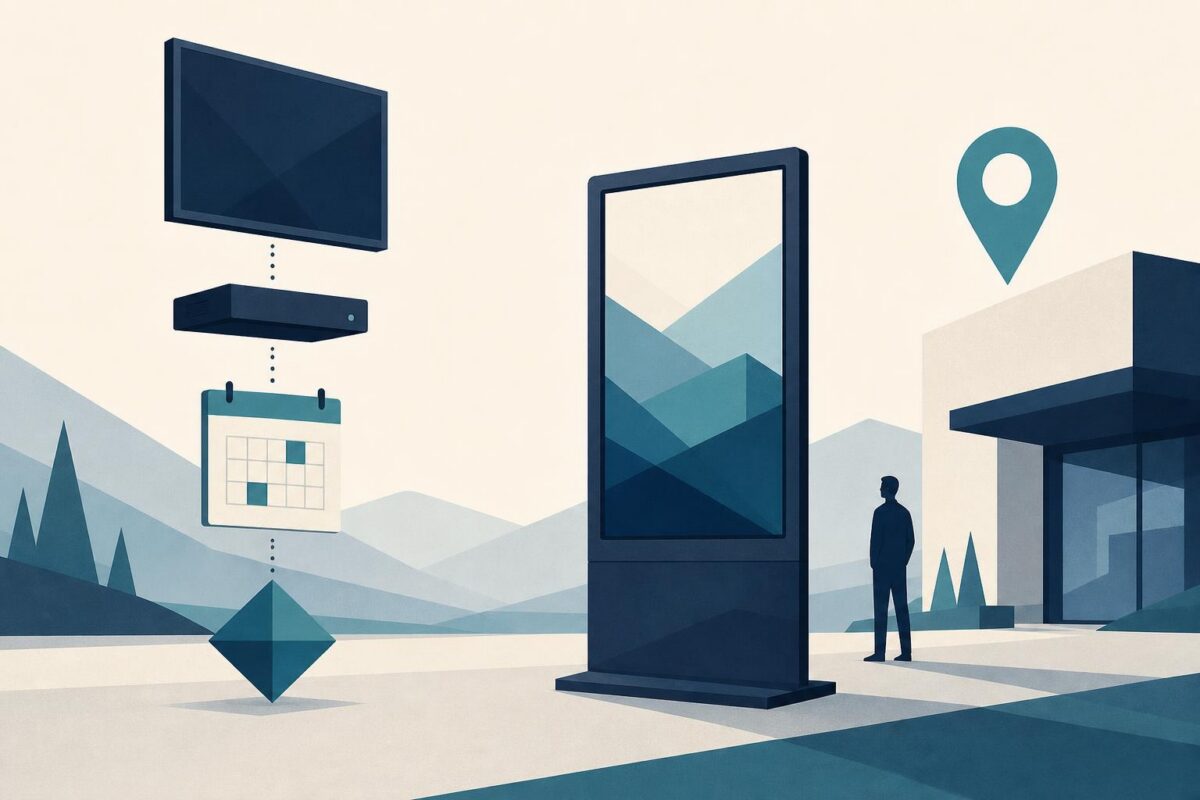
Digital signage support should distinguish a working screen from a successful message. A display can show a picture while the wrong menu, outdated notice, or unreadable layout reaches the audience. Conversely, a blank screen may result from an input or player issue rather than a failed panel. The support team needs to identify which layer has broken.
Viewabo can help an agent understand the visible screen and its placement in the actual location. That physical context complements the content-management view. It does not replace display diagnostics, secure system administration, or a professional assessment of mounting and electrical safety.
Digital signage support starts with the intended message
Ask what should appear, where it should appear, and when. Identify the intended audience and the operational consequence of the wrong result. A restaurant menu and a workplace notice may require different immediate responses.
Samsung’s Samsung digital signage: the story so far describes signage in varied public and commercial spaces. The support implication is that location and purpose matter. A technically working display can still fail the task if the relevant people cannot read or trust its message.
Record whether the complaint concerns no picture, incorrect content, wrong timing, or poor visibility. Keep those categories separate before changing equipment or schedules.
Compare the visible screen with the approved content
Ask authorized staff to show the relevant display from a normal viewing position. Keep bystanders and unrelated private information out of the frame. Compare what appears with the approved message using the organization’s normal content process.
Do not assume a remote preview proves the physical screen shows the same thing. The wrong player, input, or screen assignment can create a mismatch. The agent needs evidence from the actual location.
Our independent Samsung display analysis shows why the site, panel, and responsible onsite observer belong in the same support record.
Likewise, avoid changing live prices, public instructions, or other consequential content merely for testing. Use an approved test or authorized content correction with the appropriate owner involved.
Trace the display path without unsafe access
Identify the screen, any external player, and the accessible connection path. A fixed installation may hide important components. Record what cannot be safely reached instead of asking staff to climb or loosen a mount.
If the screen can display its own menu, note that limited observation. It does not prove the player, network, schedule, or incoming signal is correct. Digital signage support should explain what each check establishes.
Choose one approved comparison at a time. Switching the input, restarting the player, and replacing content together may produce a picture without explaining the failure or preserving a reliable recovery path.
Separate scheduling from readability
A correct message at the wrong time is a scheduling or assignment question. Verify the relevant configuration through the authorized system owner. Do not make a store employee guess at account-wide settings or expose administrative credentials in the support view.
A message that appears at the right time but cannot be read is a different concern. Observe glare, viewing angle, scale, and physical obstruction from the audience’s position. A close camera view may make text look readable when it is not useful across the room.
The camera’s exposure and perspective can also distort brightness and color. Do not certify image quality from the support feed. Use direct user observations and appropriate tools where precision matters.
Keep operational recovery distinct from repair
If the wrong content creates immediate confusion, the responsible operator may need an approved temporary communication method. That can help customers while the technical issue remains open. Record it as a workaround, not proof of a repaired system.
For unstable mounting, damaged power equipment, abnormal heat, or other hazardous conditions, stop routine handling and arrange qualified service. A staff member should not open the screen or player housing to help an agent identify an internal fault.
When another team owns the next step, provide the display location, intended content, observed content, timing, and tested signal path. Those facts are more useful than display issue without context.
Where several displays serve one location, identify the exact screen in both the case and the verification. A correct message on the adjacent display does not resolve the original complaint. Ask the operator to confirm the location label and intended audience before comparing content or approving closure.
Verify from the audience’s position
After an approved correction, confirm the right message on the right screen at the intended time. Check it from the ordinary viewing location, not only from a control panel or a close-up. If a schedule transition matters, verify that transition through the operator’s approved process.
State any remaining limitation, such as an unresolved glare issue or a temporary fallback message. A display returning to life does not automatically restore the complete communication task.
Viewabo helps support teams connect remote settings with the physical screen people actually see. The general case for shared visual context appears in why video belongs in customer support. Digital signage support is successful when the intended audience receives the correct, usable message, with the equipment and content responsibilities clearly understood.