
AWS DevOps AI Agent: What Founders Actually Need to Know

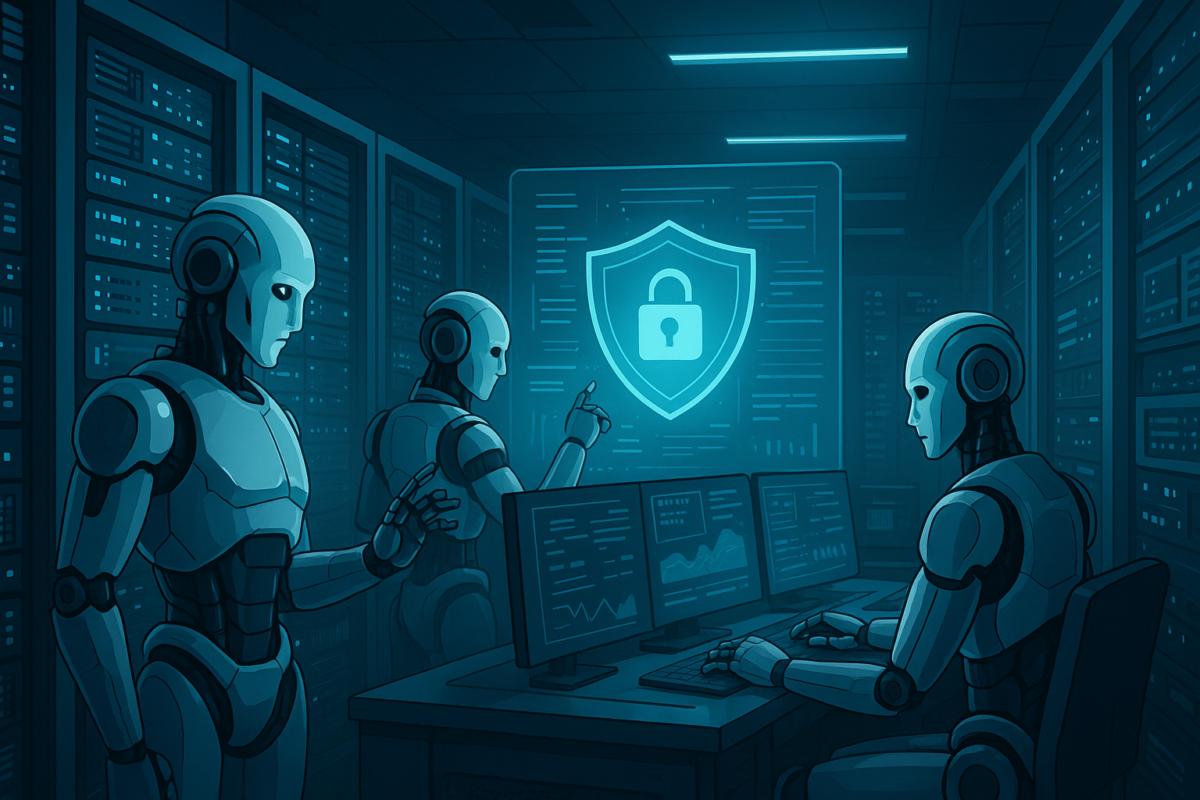
On March 31, 2026, AWS made the AWS DevOps AI agent generally available alongside its Security Agent. Both are what AWS calls “frontier agents”: autonomous systems that operate for hours or days without constant human oversight. Pricing for DevOps Agent kicks in April 10. Before your engineering team pings you with questions, here is what you actually need to know.
What Is the AWS DevOps AI Agent, Really?
The AWS DevOps Agent is not a chatbot that suggests fixes. It is an autonomous system that investigates incidents, traces root causes, and generates validated remediation plans. Specifically, it correlates telemetry, code history, and deployment data across your full stack. It works with CloudWatch, Datadog, Dynatrace, New Relic, Splunk, and Grafana natively. Also, it reads your GitHub, GitLab, or Azure DevOps repositories.
In preview, AWS customers reported up to 75% lower mean time to resolution (MTTR). They also reported 80% faster investigations and 94% root cause accuracy. Those numbers are impressive. However, they come from early adopters with clean observability stacks and well-structured runbooks. Your mileage may vary.
Furthermore, the agent does not just respond to incidents. It proactively prevents them by learning from historical patterns and building topology maps of your environment. Specifically, it performs automatic application discovery so it understands how your services connect. That context is what makes the root cause accuracy figure possible.
Western Governor’s University deployed the DevOps Agent into production early and reported meaningful improvements in operational reliability. However, they had significant observability infrastructure already in place. Specifically, their team had invested in structured logging and alert policies before enabling autonomous incident response. That foundation made the difference. Startups that skip that foundation will not see the same results.
What the AWS Security Agent Actually Does
The Security Agent runs autonomous penetration testing. It ingests your source code, architecture diagrams, and documentation. Then it identifies vulnerabilities, attempts to exploit them, and validates which ones are real. Traditional scanners find individual CVEs. This agent finds attack chains that connect multiple low-severity issues into critical ones.
AWS claims it compresses pen testing timelines from weeks to hours. HENNGE K.K. reported a 90% reduction in testing duration. Bamboo Health said it surfaced findings no other tool had uncovered. Furthermore, it runs 24/7 at a fraction of the cost of manual pen testing. For startups shipping fast, that is genuinely useful.
Also, the Security Agent operates like a human pen tester in one important way. It understands how your application was designed, not just what ports are open. Specifically, it uses your architecture docs to identify how vulnerabilities chain together into higher-severity exploits. That is the key difference from traditional static analysis tools.
Where These Agents Fall Over in Production
Here is the part most coverage skips. These agents work well when your environment is well-instrumented. However, most startups do not have clean observability setups. Also, the DevOps Agent requires structured runbooks to operate effectively. If your incident response lives in Slack threads, the agent has little to work from.
Specifically, the Security Agent needs source code access, architecture diagrams, and documentation. If your repo has minimal comments and no architecture docs, you will not see premium results. Additionally, multicloud environments add complexity. The agent supports AWS, Azure, and on-prem, but integration depth varies by provider.
Also worth noting: these agents make autonomous decisions without a human approving each step. That is the whole point. However, you need guardrails. Specifically, you need to define which actions the agent can take autonomously versus which require human review. Set those boundaries before you enable the agent in production, not after.
What This Means for Engineering Hiring at Startups
This is the question founders actually care about. The honest answer depends on your stage and what you are hiring for.
At the seed stage, a single strong engineer with these tools outperforms a team of three without them. Incident response and security testing were previously bottlenecks. They forced early-stage teams to hire specialists or defer important work. Specifically, the DevOps Agent handles on-demand SRE tasks. That reduces the urgency of hiring a dedicated SRE until you hit meaningful scale.
At Series A and beyond, the calculus shifts. These agents are powerful force multipliers for experienced engineers. However, they are not replacements for judgment. Someone still needs to define runbooks, set guardrails, and make architectural decisions. Also, the Security Agent surfaces vulnerabilities, but a security engineer decides which ones matter most for your context.
The talent market is already responding. What the xAI talent exodus teaches about hiring AI engineers is worth reading here. Engineers who understand how to work with autonomous agents are becoming more valuable. The ones who only do the tasks agents now handle are becoming less so.
The Pricing Question You Need to Answer Before April 10
AWS has not published detailed pricing for DevOps Agent publicly yet. However, the billing start date of April 10 is real. Before that date, review your usage patterns from the preview period if you participated. Furthermore, set up usage limits or alerts before the billing starts. Do not wait until you get the first invoice.
The Security Agent pricing is based on application scope and testing frequency. Specifically, costs scale with how many applications you test and how often. For a startup with five to ten services, this is likely cheaper than a quarterly manual pen test. However, running it continuously across everything can add up quickly.
Should You Actually Use These Agents?
Yes, with preparation. The preparation is the part that matters.
First, get your observability in order before enabling the DevOps Agent. It needs structured data to produce structured output. Second, create basic runbooks even if they are just a few paragraphs per service. Third, define the boundaries of autonomous action you are comfortable with before enabling the agent in production.
For the Security Agent, start with one non-production service. Verify the findings are meaningful for your stack. Then expand coverage gradually. Also, make sure your team knows findings will arrive faster and more frequently than with manual testing. You need a triage process before you flip the switch.
The broader context matters too. AI agent security is already the next billion-dollar problem. Autonomous agents that operate without constant human oversight create new attack surfaces. The Security Agent finds those surfaces. However, it cannot fix the organizational gaps that create them in the first place.
The Bottom Line for Founders
AWS frontier agents are genuinely capable. They are not hype. However, they are also not magic. They work best on top of well-structured environments with good instrumentation and documented processes.
If your engineering team is disciplined about observability, these agents will make them significantly more productive. Also, the Security Agent gives you pen testing capability you probably could not afford otherwise. Furthermore, both agents become more useful as they learn your specific environment over time.
If your engineering culture is ad-hoc, fix that first. Autonomous agents amplify what already exists. They do not create structure where none exists. Additionally, understand the multi-agent architecture implications before you commit. Most multi-agent AI systems fail before they ship. The failure modes are worth studying before you depend on one in production.
The official AWS announcement is worth reading in full. It gives a clearer picture of the integrations and customer case studies than most secondary coverage does.