
Before You Dispatch Anyone: The 5-Minute Video Triage That Pays for Itself

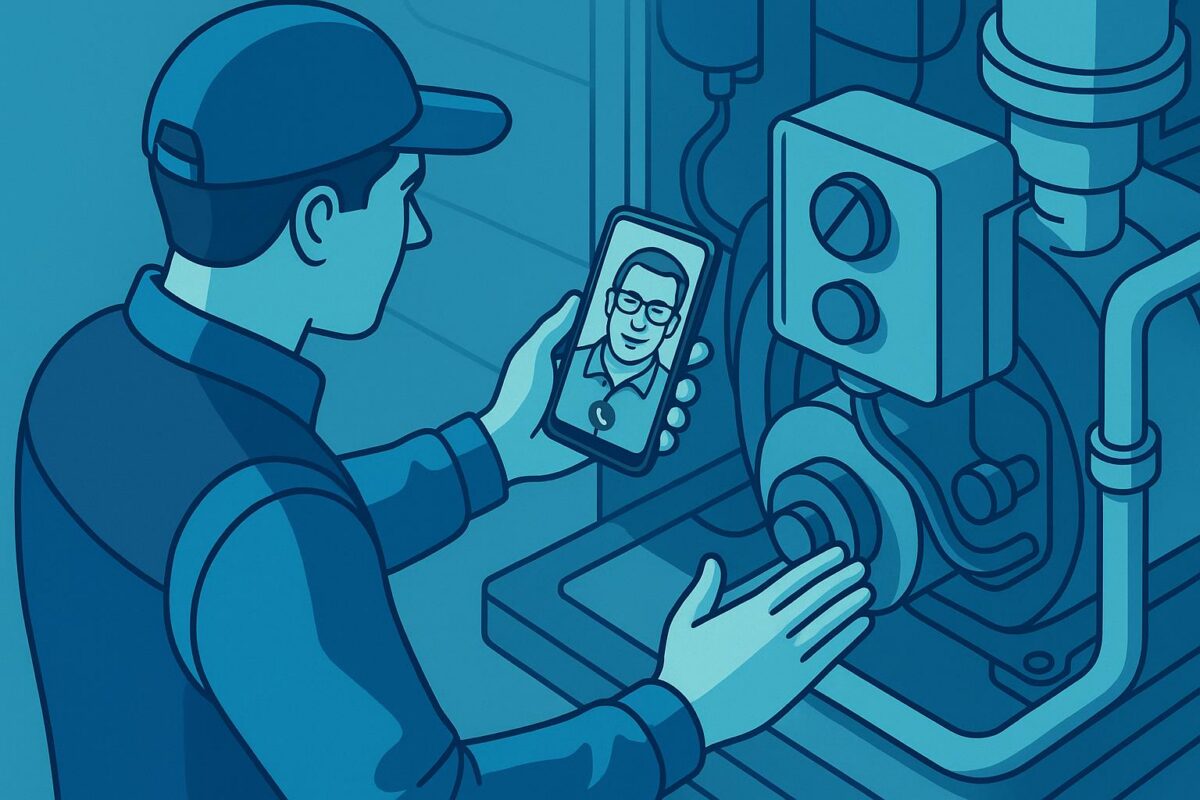
Most field service teams still dispatch first and ask questions later. A ticket comes in, someone schedules a tech, and a truck rolls—often before anyone truly knows what’s broken, where it is, or whether it even needs hands-on repair. That gap between “ticket created” and “truck dispatched” is where video triage field service earns its keep. And most teams are leaving serious money on the table by skipping it.
This isn’t a customer experience post. It’s a unit economics post. Let’s talk about what a single wasted truck roll actually costs you, and what a 5-minute video call before dispatch would have cost instead.
The Real Cost of a Truck Roll Nobody Talks About
Everyone in field service knows truck rolls are expensive. But “expensive” stays abstract until you do the math.
A typical residential field service visit—HVAC, internet, appliances, security systems—runs $150–$350 fully loaded when you factor in labor, fuel, vehicle depreciation, and opportunity cost (the tech can’t run a paying job while sitting in traffic). Commercial service calls run higher. And that’s for a visit that results in something getting fixed.
When the truck rolls and the tech shows up to find:
- The customer already resolved the issue
- The wrong part was brought
- It’s actually a different unit than the one in the ticket
- The issue requires a specialist, not a generalist
…you’ve burned $200+ and have nothing to show for it. No fix. No revenue. Just cost.
Industry data from the Service Council consistently shows that 20–30% of field dispatches could be avoided or better-prepared with pre-visit remote diagnostics. If you’re running 500 dispatches a month and your truck roll cost is $200, that’s potentially $20,000–$30,000 in avoidable monthly spend.
Why Teams Skip Video Triage (And Why Those Reasons Are Wrong)
The most common objections I hear:
“Customers won’t do it.” — False. Customers love not waiting around for a tech if the issue can be resolved remotely. What they hate is friction. Downloading an app, creating an account, navigating a support portal—that’s friction. A one-tap link that opens a video call in the browser? That’s not friction. That’s faster than texting.
“It takes too long.” — A structured 5-minute video triage call is faster than a 90-minute service visit. The math is not close.
“We don’t have the software.” — This is the objection that was true five years ago and isn’t anymore. Link-based video tools like Viewabo require zero installs and work on any modern smartphone. The customer clicks a link, their camera turns on, and your tech sees exactly what they’re looking at.
“Our techs resist it.” — Techs resist it when it’s imposed as extra work with no benefit to them. When they understand that video triage means they show up to jobs they can actually complete—with the right parts, the right info—resistance drops fast.
The 5-Minute Video Triage Methodology
This isn’t a philosophical framework. It’s a repeatable workflow you can implement this week.
Step 1: Trigger Before You Schedule
The moment a ticket is flagged for dispatch, your dispatcher (or an automated SMS/email flow) sends the customer a video session link. Not after scheduling. Before. “Before we get a tech out to you, can you share a quick 2-minute video so we can make sure we send the right person with the right parts?”
Most customers say yes. The ones who say no—you just schedule as normal. You’ve lost nothing.
Step 2: Run a Structured Visual Checklist
The video call isn’t a casual conversation. It’s a diagnostic session. Your tech or dispatcher follows a checklist:
- Model number and serial number (visible on the unit)
- Error codes or indicator lights
- What’s visually broken, damaged, or out of place
- Access points—is the unit reachable? Are there obstructions?
- Any recent changes (new installation, weather event, tenant change)
Five minutes. Structured. Documented.
Step 3: Classify the Ticket
After the video triage field service session, every ticket gets classified into one of three buckets:
- Remote resolve — The customer can self-fix with guided instructions. No truck rolls.
- Dispatch-ready — The tech knows exactly what’s needed, what parts to bring, what to expect. One-trip completion likelihood is high.
- Escalate or reschedule — The issue requires a specialist, a part that isn’t in stock, or more information. Dispatch now would be a wasted trip.
As a result, this three-bucket classification changes the economics of your entire service operation.
Step 4: Document What You Saw
The video session should leave a record—screenshots, notes, or a clip. When the tech arrives, they’re not starting from zero. They’ve already seen the unit, they know what they’re walking into, and they’re not wasting the first 10 minutes of the visit doing discovery the dispatcher already did.
The Unit Economics of Video Triage Field Service, Spelled Out
Let’s make this concrete. Assume:
- 400 dispatches/month
- $200 average truck roll cost (fully loaded)
- 20% could be prevented or significantly improved with pre-dispatch video triage
- Average tool cost: $150/month for a link-based video triage platform
At 20% prevention: 80 truck rolls avoided × $200 = $16,000 saved per month.
Tool cost: $150/month.
The tool pays for itself if it prevents a single truck roll. One. You need to successfully triage one ticket per month to break even. Every additional prevented roll is pure margin recovery.
The math changes a little if your truck roll cost is lower or your prevention rate is higher or lower. But the core insight doesn’t change: the asymmetry is enormous. You’re spending 75 cents to potentially save $200.
Even if your team only catches one wasted dispatch per week, you’re looking at 4 × $200 = $800/month recovered against a $150 tool. That’s a 5x return, conservatively.
What “No Special Software” Actually Means in Practice
The practical barrier to video triage field service has historically been getting the customer on a video call. Legacy platforms required both parties to download an app. Similarly, corporate tools required accounts and permissions. Customers bailed before the session started.
Link-based video tools solve this. The workflow:
- Dispatcher opens a new session in Viewabo
- Copies the session link (or the system auto-sends it via SMS/email)
- Customer clicks the link on their phone
- Camera view opens immediately in the browser
- Dispatcher or tech sees what the customer sees—live
No app store. No account creation required. The customer doesn’t even need to log in or “join” anything. They simply click a link.
This is the unlock. The friction-elimination is what makes video triage field service viable at scale, not just theoretically useful.
For related context on how remote visual tools are changing field operations, see how Viewabo enables faster resolution through live video support.
The One Objection That Actually Has Merit
Here’s an honest admission: video triage adds a step. There’s a coordination overhead—someone has to send the link, someone has to be available to run the call (or review a recorded session), and you have to build the workflow into your dispatch process.
If your operation is running lean and your dispatchers are already slammed, you need to manage the pre-dispatch step carefully. Instead, the answer isn’t to skip video triage—it’s to automate the link-sending and standardize the workflow so it doesn’t require heroics from dispatchers.
Triggered SMS via your ticketing system + a standardized checklist + a 5-minute timebox = something any dispatcher can execute without it becoming a burden.
Start Small, Prove the Model
Fortunately, you don’t need to roll this out across your entire operation at once. Pick one team, one region, or one ticket category (equipment malfunctions, for example) and run video triage for 30 days. Track:
- How many tickets your team resolved remotely
- How many dispatches went out fully prepared
- How many truck rolls you avoided
If the numbers don’t show clear ROI in 30 days, abandon it. But they will.
Ultimately, the field service teams that will win in the next five years are the ones treating pre-dispatch intelligence as a standard operating procedure—not a nice-to-have. Video triage field service is the fastest lever most teams aren’t pulling.
Ready to Run Your First Video Triage Session?
Viewabo is a link-based video support tool built for exactly this workflow. No downloads, no installs, no friction for your customers. One link, live camera, instant visibility.
Try Viewabo free and see how many truck rolls you catch in the first week.