
Craft Cutter Support: Diagnose the Material and the Cut

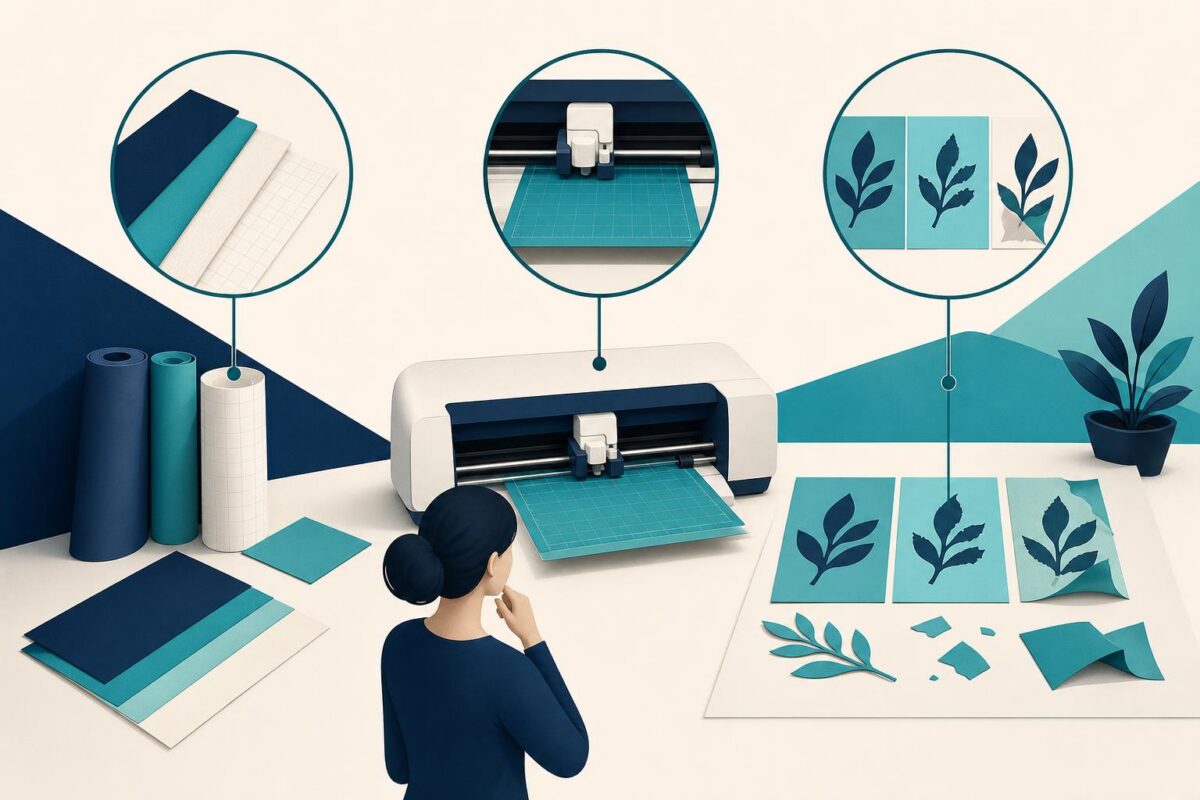
Craft cutter support should separate a material problem from a machine problem before the customer ruins another sheet. A design may appear correct on a computer while the physical material shifts, loads unevenly, or cuts differently than expected. The failed object, not just the design file, belongs in the support conversation.
Viewabo can help an agent understand the relationship between the material, cutting surface, and finished result. That shared view is useful for selecting a careful next test. It does not establish that every material is compatible or justify an improvised blade adjustment beyond the manufacturer’s instructions.
Craft cutter support begins with the failed result
Ask the customer to show a small, nonconfidential sample of the cut. Clarify whether the problem is incomplete separation, torn edges, displaced shapes, or an incorrect size. Those outcomes suggest different questions, so avoid treating them all as insufficient pressure.
Identify the material using its packaging when available. Similar-looking sheets can differ in ways that matter to the documented cutting process. Also record whether the customer is following an approved material setting or an experiment found elsewhere.
Cricut’s Cricut unveils new cutting machines describes machines intended to work with varied craft materials. That variety reinforces the need to match the actual material and task to the product’s guidance, not assume that one setting fits everything.
Compare the physical layout with the design
Ask how the material sits on the cutting surface and which side faces upward. Establish the reference corner and feed direction in plain language. A mirrored or rotated arrangement can create an output problem even when the machine follows the submitted design correctly.
Look at the entire loaded area before zooming into an edge. Confirm that the planned shape lies within the usable material as defined by the manufacturer’s workflow. Do not infer measurements from perspective alone; use the customer’s stated dimensions and documented guides.
Keep personal designs or client artwork out of view if they are not necessary. A simple test shape can often answer the same support question with less waste and less disclosure.
Choose a small, controlled material test
Use the maker’s approved test-cut process where available. Select a small area and one documented change. Record the material, setting, and result. A controlled scrap test is more useful than sending the full design repeatedly through the machine.
Do not change the material setting, tool selection, loading position, and design scale in one attempt. If the result improves, neither the customer nor the agent will know which change mattered. If it worsens, the original baseline has disappeared.
Craft cutter support should also explain when the requested material falls outside the supported process. The right outcome may be a different approved material or a manufacturer consultation, not another experimental setting.
Keep hands and tools out of moving areas
Any examination of the tool holder or loading area must follow the manufacturer’s safe state and user-access instructions. Do not ask the customer to touch a moving carriage, hold material during cutting, or reach toward an exposed blade.
If the blade or holder appears damaged or does not match the manual, stop. Do not recommend sharpening, modifying, or substituting components casually. The correct part and service process matter more than completing the current craft project.
Likewise, do not advise cutting unknown materials whose suitability cannot be verified. Support should make the compatibility boundary clear rather than imply that visual inspection establishes chemical or mechanical safety.
Distinguish design errors from cutting behavior
An incorrect size or mirrored result may originate in the design or preparation workflow. A shifted shape may need a different physical investigation. Ask the customer to compare the intended dimensions and orientation with the output before deciding which support path owns the problem.
When a simple test shape succeeds but the original project fails, preserve that difference. It does not prove the machine is flawless, but it narrows the investigation. The design-support team can then review the relevant file without repeating basic material questions.
Our independent Cricut support analysis explains why the digital design and the physical material need separate investigation paths.
Describe the finding in terms the customer can reuse. The square cut correctly at this size, while the larger layout shifted near the edge is a useful observation. Machine problem is not.
Verify a usable result before returning to production
Repeat the successful small test using the same approved setup. Confirm clean separation, intended dimensions, and correct orientation where relevant. Only then discuss moving back to the full project under the manufacturer’s guidance.
For an unresolved issue, record the material identity, test shape, selected settings, visible defect, and the point at which safe user checks ended. This gives a specialist a reproducible case instead of an unexplained photograph of damaged material.
Viewabo helps the support team connect digital intent with a physical result. As why video belongs in customer support explains, a shared view can remove unnecessary translation from support. For craft cutter support, the aim is a controlled test that teaches something useful, not a succession of wasted sheets and increasingly aggressive adjustments.