
Payment Terminal Support: Inspect the Checkout Without Card Data

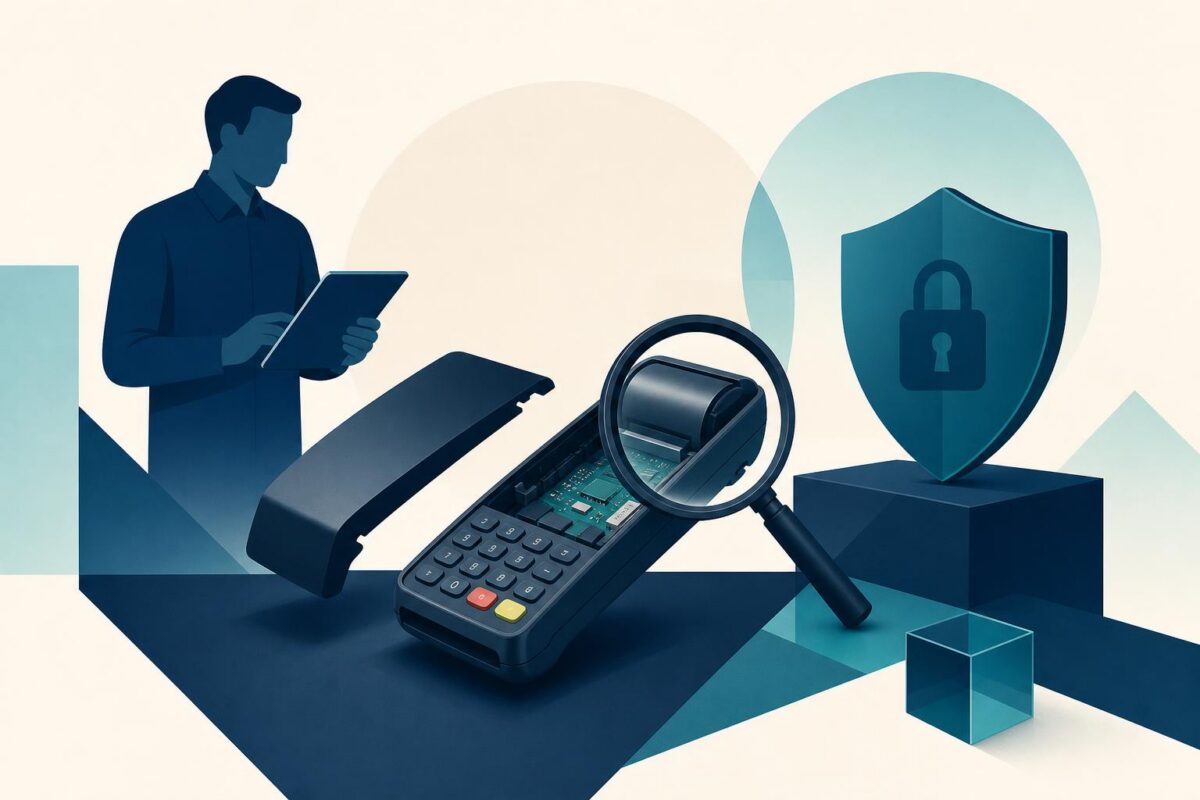
Payment terminal support should restore a usable checkout without exposing card information or creating duplicate transactions. A terminal that appears unresponsive may have a physical connection problem, a transaction-state question, or a security concern. Those possibilities need different owners and different checks.
Viewabo can help support teams understand the terminal’s exterior, accessible connections, and checkout arrangement. The shared view should remain deliberately narrow. It is not a reason to display card numbers, PIN entry, customer receipts, credentials, or other payment data. Nor does visual support certify that a terminal is secure.
Payment terminal support starts with the transaction state
Ask whether a customer transaction is in progress and whether the merchant knows its outcome. Do not begin by restarting equipment or retrying a charge. First use the merchant’s approved payment process to establish whether the transaction completed, failed, or remains uncertain.
Separate that question from the hardware symptom. A blank display, unreadable prompt, loose stand, and processing error may look like one checkout failure to a busy cashier. Record each observed fact without assuming a common cause.
If customers are waiting, agree on an approved alternate checkout path. Keeping the line moving should not mean bypassing payment controls or inventing an unapproved way to collect card information.
Inspect only the authorized physical area
Ask an authorized staff member to show the exterior and accessible connections while keeping payment data out of view. Use a nontransaction screen if possible. Remove unrelated customer documents from the camera area before the inspection.
The PCI Security Standards Council’s PCI SSC Skimming Prevention: Best Practices for Merchants emphasizes physical inspection and awareness of suspected tampering. That is relevant to support because an unexpected attachment or altered terminal appearance is not an ordinary cable problem to experiment with.
If something suggests tampering, follow the merchant’s security escalation process immediately. Do not remove suspected components, continue processing payments, or declare the device safe because the agent recognizes its general shape.
Separate power, connection, and application questions
Identify the terminal model and the approved equipment arrangement. Read nonsecret status messages exactly. Compare accessible connections with the provider’s instructions, not with a remembered terminal from another store.
A powered display does not prove network communication. A working network does not prove a transaction completed. Payment terminal support should keep those layers separate so each check answers a specific question.
Do not change several cables, restart the register, and reset the terminal together. Such a sequence can obscure both the technical cause and the payment state. Use the provider’s approved process with a clear understanding of interruption and recovery.
Keep credentials and payment handling out of the view
The agent should never need the customer’s PIN, full card details, or private account credentials to understand a physical setup. If a screen changes to sensitive information, stop the visual inspection until the authorized staff member returns to a suitable state.
Use only the service’s supported private credential process for any required authentication. Do not ask a cashier to read secrets aloud or write them into a support ticket. Physical context and account authorization are separate tasks.
Likewise, do not ask for a live card transaction merely because it would make a convincing demonstration. Any functional test must follow the payment provider’s approved procedure and avoid exposing or mishandling real customer data.
Self-service kiosk support places the terminal complaint inside the full customer journey without exposing payment data.
Plan recovery around the store’s operation
Before an approved restart or reconnection, confirm who can authorize it and what checkout activity will be interrupted. The cashier may not control network equipment or store-wide settings. Bring the appropriate manager or technical owner into that decision.
For damaged power equipment, liquid exposure, or unstable mounting, stop routine handling and arrange suitable service. The employee should not open the enclosure or improvise a repair to keep the queue moving.
Record the physical observations and the exact boundary reached. If the payment processor owns the remaining issue, provide the approved nonsecret diagnostic details rather than forwarding unnecessary transaction or card data.
Where the store uses several stations, include the affected checkout location in the handoff. Similar-looking terminals can lead staff to test the wrong device. Confirm that the approved recovery applies to the station associated with the reported interruption, not merely a nearby working terminal.
Verify checkout without losing transaction integrity
Use the provider’s approved verification method to confirm the terminal’s intended operation. Reconcile any uncertain transaction through the normal process before retrying. A responsive screen is not enough if the merchant still does not know whether the customer paid.
Confirm that the staff member understands the restored workflow and any remaining limitation. Keep technical recovery, transaction reconciliation, and security status separate in the case record. None should be assumed from another.
Viewabo helps make the physical checkout setup easier to understand. The broader case for visual communication appears in why video belongs in customer support. Payment terminal support is valuable when it restores a verified process with a clear evidence trail, while minimizing exposure and preserving the controls that make the transaction trustworthy.