
Robot Vacuum Support: Diagnose the Route Through the Home

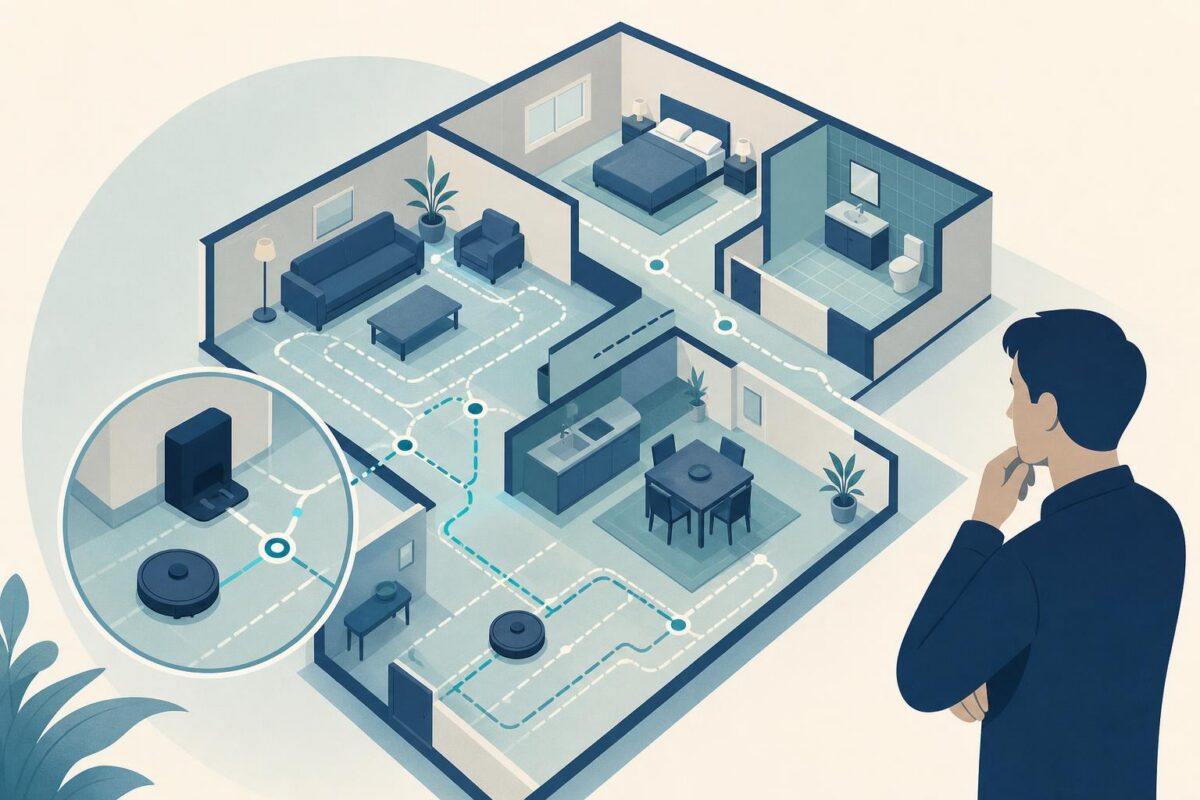
Robot vacuum support should investigate the route through the home, not just whether the robot turns on. A machine may clean an open area successfully but stop at a threshold, miss a room, or struggle to return to its base. The physical environment is part of the support case.
Viewabo can help an agent understand that environment without requiring the customer to translate every doorway and piece of furniture into text. The goal is a focused view of the relevant obstacle or docking area. It is not permission to map the entire home or promise that every layout can be solved remotely.
Robot vacuum support starts with one failed journey
Ask where the robot begins, where the customer expects it to go, and where the result differs. Separate docking, room access, coverage, and pickup complaints. A robot that reaches the room but leaves debris has a different problem from one that never enters it.
Use ordinary room labels and a short route description. Record whether the problem occurs every run or only under particular conditions. Ask about recent furniture changes, moved rugs, or relocation of the base without assuming any one change caused the issue.
The iRobot iRobot introduces Roomba i3+ discusses navigation and return-to-base behavior as part of the product experience. That relationship is why the route and base location deserve attention alongside the machine itself.
Observe only the relevant part of the home
Ask the customer to show the docking area or the point where progress stops. Keep unrelated rooms and personal belongings outside the view. A focused observation often provides more useful evidence than a broad walking tour.
Compare the visible arrangement with the manufacturer’s placement and operating guidance. Is the route physically available? Has an object changed the approach? Can the customer reach the area safely? Treat these as observations rather than automatic diagnoses.
Do not ask the customer to follow the robot while walking backward, filming on stairs, or moving heavy furniture. If the relevant area is unsafe or inaccessible, use a different support path.
Separate the robot’s state from the room condition
Identify the model and any exact message or indicator. Use its documentation to interpret the state. Similar machines can have different operating requirements, so a familiar-looking robot should not receive a remembered procedure from another model.
Ask whether the robot can perform an approved normal task in an uncomplicated area. If it can, that comparison may narrow the question, but it does not prove that the original room should work. The physical demands of the two areas may differ.
Robot vacuum support should avoid changing room layout, cleaning settings, and stored configuration together. A small controlled change preserves the ability to explain why the result improved or remained the same.
Our independent iRobot support analysis examines the handoff between a reported cleaning problem and the home conditions surrounding it.
Keep boundary protections intact
Do not defeat the product’s safeguards, cover sensors, or create improvised barriers that conflict with the manual. A successful route achieved by compromising protection is not a successful support outcome.
Keep the machine away from stairs, liquids, sharp objects, and other conditions outside the maker’s intended use. The customer should not stage a hazardous demonstration to prove that the robot misses something. Use only safe, documented operating conditions.
For user maintenance, follow the required safe state and access instructions. Do not reach toward moving brushes, open the housing, or handle a damaged battery. Visible damage or abnormal heat should stop ordinary troubleshooting and trigger the appropriate service process.
Verify the return as well as the departure
For a docking complaint, leaving the base is not enough. The relevant test includes the documented return behavior under the intended conditions. Ask the customer to observe the specific approach where the problem occurred.
For a coverage complaint, agree on the area and result before starting. A full cleaning run may extend beyond the call, so assign a follow-up rather than declaring success after the first few minutes. Record whether the original room was reached and whether its intended area was cleaned.
Do not equate a displayed completion message with a satisfactory floor. The customer’s actual outcome remains the verification target, within the product’s documented capabilities and limitations.
Preserve the room-level explanation
If an approved placement change helps, summarize the arrangement clearly enough that the customer can preserve it. If the layout requires a different approach, explain the limitation without presenting it as user failure.
An unresolved service record should include model, route, base position, relevant environmental condition, exact message, and completed checks. Avoid collecting a detailed home map or unrelated footage when a simple description is sufficient.
Viewabo helps support teams understand the physical route that a text ticket often compresses into robot stuck. See why video belongs in customer support for the broader value of shared visual context. Robot vacuum support is effective when it verifies the intended journey and result, not merely that the machine moves.