
Smart Plug Support: Separate the Plug from the Appliance

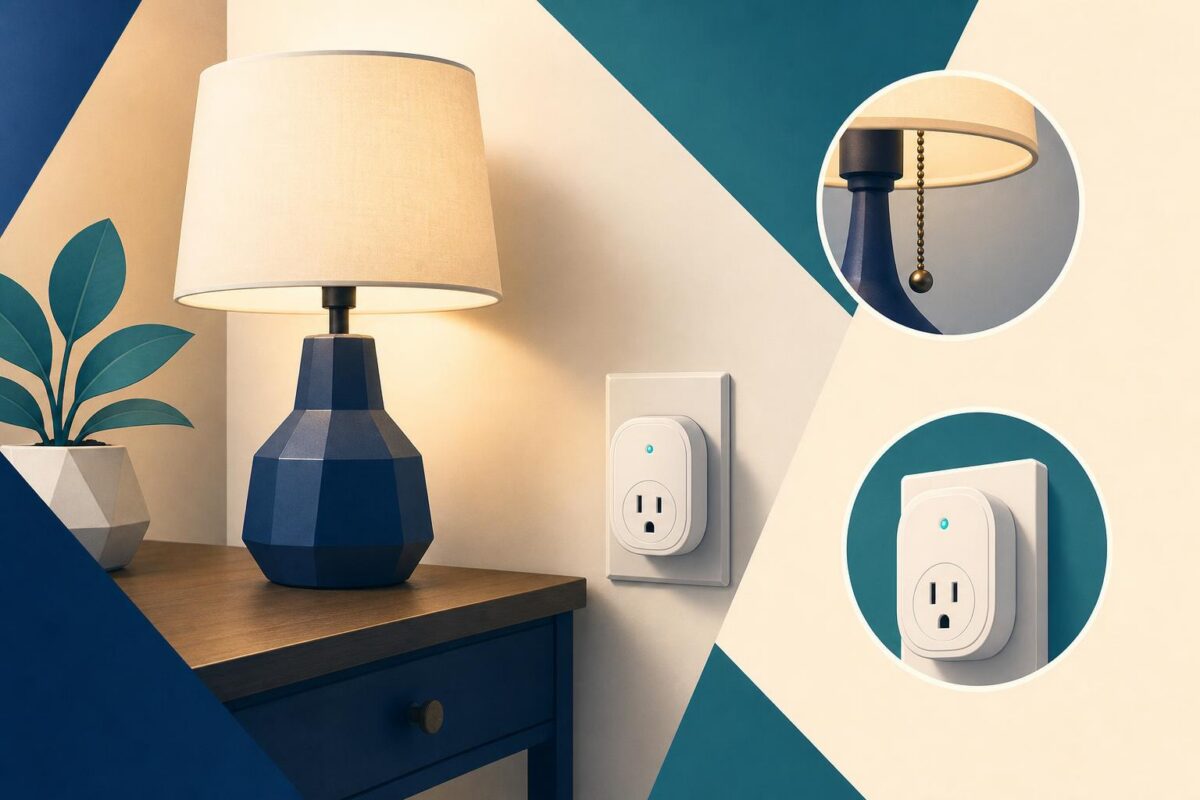
Smart plug support can fail when the agent treats the plug and the attached appliance as one device. The plug may respond normally while the appliance’s own switch remains off. Alternatively, the customer may expect behavior the appliance was never designed to provide. A useful conversation separates power control, appliance operation, and the customer’s intended task.
Viewabo can help an agent understand the visible arrangement. Seeing which device connects where can remove ambiguity without asking the customer to describe unfamiliar hardware. However, visual support cannot establish electrical safety from appearance or justify connecting an unsuitable appliance to a plug.
Smart plug support begins with the intended use
Ask what the customer wants to control and what happens instead. Is the plug unavailable, does its visible state change without the appliance responding, or does the appliance behave differently after power returns? Record the specific result before discussing settings.
TP-Link’s TP-Link 2016 press releases: Smart Plug Mini announcement documents connected plugs as a distinct household product category. The support implication is that the plug has its own operation, while the attached device has another. A successful command to one does not prove successful operation of the other.
Identify both products from accessible information. Use their manufacturers’ instructions to confirm that the proposed combination is appropriate. Do not infer suitability merely because the physical plug fits.
Establish a safe physical view
Ask the customer to show the arrangement from a dry, stable position. Identify the outlet, smart plug, attached cord, and appliance without requesting access to hidden wiring. Keep passwords or setup codes out of the view if they appear near a label.
Stop ordinary troubleshooting if there is damage, unusual heat, discoloration, sparking, or a burning smell. Direct the customer to the appropriate professional or emergency response. Do not ask them to handle suspect equipment to improve the camera angle.
Also avoid improvised chains of adapters and extension devices. If the arrangement does not match the products’ instructions, the next step is to correct the installation through an appropriate process, not test whether it works anyway.
Separate three observable states
First, establish whether the plug is powered and showing its documented normal state. Second, establish whether the customer’s control action changes that state as expected. Third, establish what the attached appliance does. Keep these as separate observations in the case notes.
A lamp with a normal user switch presents a different operating question from equipment that requires a button press after power returns. The agent should consult the appliance instructions rather than promise that all products resume the same way.
Smart plug support becomes more efficient when the customer understands this sequence. We are checking the plug first, then the appliance’s own behavior explains why a visible indicator alone is not enough to close the case.
Choose a permitted test, not any convenient load
Use only a test arrangement allowed by the relevant manufacturers and the company’s support process. Do not ask the customer to substitute a heater, cooking appliance, medical device, or other consequential load merely to see whether power flows.
Keep any permitted comparison simple and supervised. Explain what it will show and which uncertainty will remain. A different compatible device working can narrow the question, but it does not certify the original appliance or electrical circuit.
If a meaningful comparison requires knowledge or equipment the caller lacks, stop at that boundary. A qualified person may need to assess the installation. Asking for another random household device is not a substitute for that judgment.
Avoid surprising restarts
Before changing schedules, restarting equipment, or resetting the plug, explain the likely effect on the attached appliance. The customer should not discover an unexpected start while someone else is handling the device.
Do not disable safeguards or rely on a remote control action as the only way to make equipment safe. Follow each manufacturer’s instructions for normal operation and maintenance. The support team should remain focused on the authorized use case, not invent new ways to control equipment.
If the complaint concerns an account, household network, or scheduling service, handle that branch through its approved process. Keep credentials private and do not treat a networking change as proof that the electrical arrangement is acceptable.
Verify the actual task and its limits
Ask the customer to repeat the intended normal action after any permitted adjustment. Confirm both the plug’s observed response and the appliance’s expected behavior. If the appliance needs a manual start, say so plainly rather than describing partial power control as full task completion.
Summarize the supported use, the completed checks, and any unresolved installation question. For intermittent behavior, identify the useful follow-up evidence: time, visible state, attached device, and the action that preceded the issue.
Viewabo helps make these physical relationships easier to discuss. The broader value of seeing support problems appears in why video belongs in customer support. In smart plug support, the goal is a clear distinction between control and outcome, with safe boundaries around what the customer should and should not test.