
Sonos Visual Support: Separate the Listening Paths

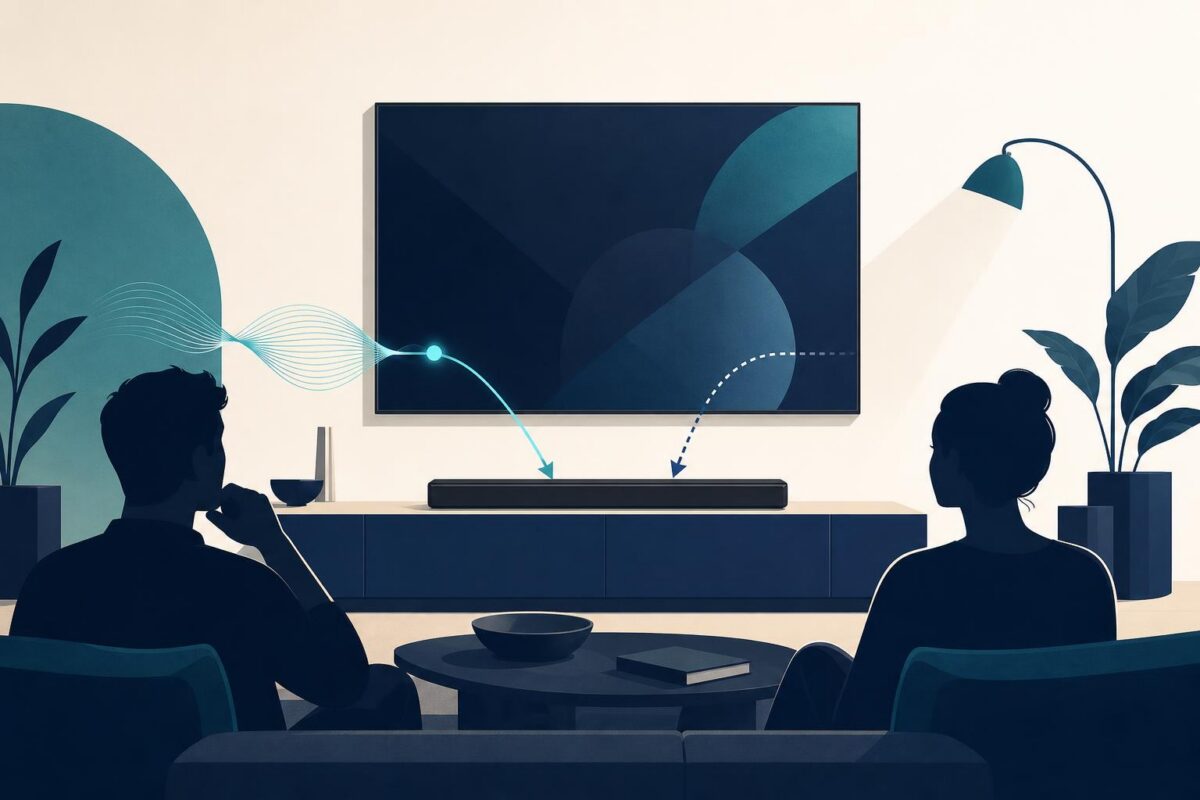
Sonos visual support would be useful when a customer reports one listening problem as a failure of the entire sound system. Music may work while television audio does not. One room may behave differently from another. The support team needs to understand the listening path before interpreting the complaint.
That makes Sonos a strong prospective fit for Viewabo’s approach to shared visual understanding. The opportunity is to connect a customer’s description with the physical arrangement in the room. This is an independent analysis, not a claim that Sonos uses or endorses Viewabo.
One product can participate in different activities
The May 2020 Sonos Arc announcement describes both television sound and listening to music or other audio while the television is off. That distinction is enough to frame the support problem. A customer can experience different results through different listening activities even when the same speaker is involved.
The implication is to begin with the task. Ask what the customer was trying to hear, where they expected to hear it, and what happened instead. Do not start by assuming that every report concerns the same source or connection.
A hypothetical example makes the point. A customer says the soundbar has stopped working, but also reports successful music playback earlier that day. The second observation does not prove the speaker is fault-free. It does tell the agent that the failed television task deserves its own description.
Draw the boundary around the failed task
An agent could establish which television and speaker are involved and whether other equipment sits in the path. The customer should not have to name each connector from memory. Where the equipment is safely accessible, a shared view can clarify what they mean.
Use the exact model’s guidance before proposing a change. A connector that looks familiar is not enough to establish its role, and a visible cable does not prove that the entire signal path is working. The visual step should improve the question, not supply a diagnosis it cannot support.
Keep the working and failing activities distinct in the record. Otherwise, the next agent may restart a broad speaker investigation without knowing that the customer’s concern was narrower. Preserving that distinction is a practical support benefit worth testing.
Where Sonos visual support could help a customer explain
Room language is often more useful than technical language at first. A customer may say the speaker under the screen or the small unit beside the sofa. The agent can use that reference while confirming identity through the appropriate product information.
Viewabo could help connect those references to a common physical view. It could also help an agent explain which accessible part of the setup an approved instruction concerns. This is a fit argument about communication, not a claim that Viewabo performs acoustic measurements or Sonos system diagnostics.
The same approach can support a retailer or installer handoff. A concise description of the room, equipment, and failed activity gives that person a specific question to investigate. The customer should not have to turn a support conversation into a technical report on their own.
Keep listening quality separate from visible evidence
A picture cannot establish that a room sounds right. It may show placement or identify equipment, but it cannot independently verify every claim about clarity, timing, or balance. Ask the customer to describe their experience without treating visual appearance as a substitute for it.
If an approved adjustment occurs, return to the original listening activity. Confirm what the customer can now hear and whether the concern persists under the same relevant conditions. A successful unrelated music test should not close a television-audio complaint.
Do not expose private entertainment accounts or ask the customer to move mounted equipment for a better view. If an inaccessible installation needs inspection, involve an appropriate person. The goal is better support, not a more elaborate home tour.
Measure the accuracy of the next step
A Sonos visual support evaluation could start with cases that involve television sound and multiple pieces of equipment. Review whether agents identify the correct activity and avoid repeating questions after a transfer. Track unresolved outcomes alongside any change in conversation length.
The evaluation should also examine false confidence. Did an agent conclude too much from a neat-looking arrangement? Did the case close after a test that did not match the original complaint? Those review questions help keep the visual process useful.
No particular operational gain should be assumed in advance. Sonos would need its own case evidence to determine whether the added context improves the support journey and where other methods remain sufficient.
Viewabo is worth considering where a customer needs help explaining the physical listening setup. The related soundbar support guide develops the workflow further. The company-specific case for Sonos visual support is to separate the listening paths, preserve the customer’s actual concern, and make the next check more precise.