
Treadmill Support: Observe the Problem Without Creating Risk

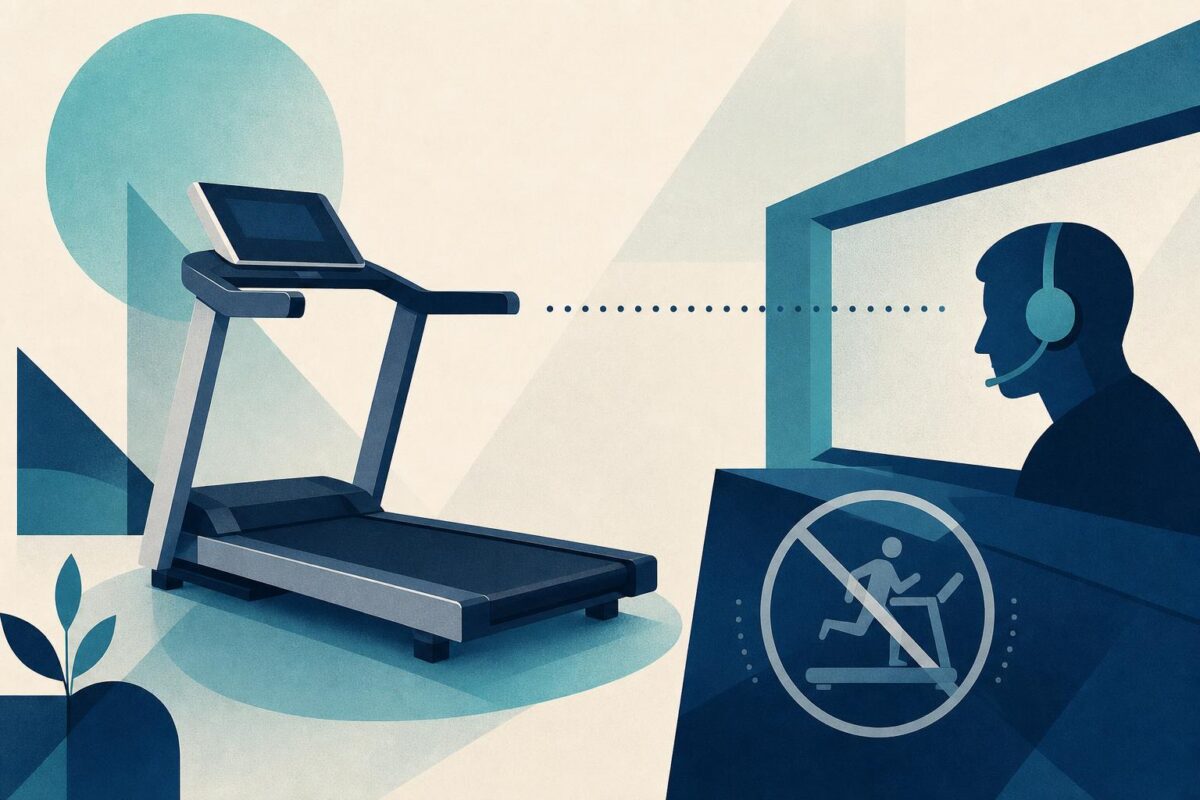
Treadmill support should never require a customer to recreate a dangerous event. A belt that moved unexpectedly, a loose console, or an unusual mechanical sound is not an invitation to run the machine while holding a camera. The first useful outcome may be a decision to stop use and arrange service.
For ordinary setup questions, visual communication still has value. Viewabo can help an agent understand the accessible controls, machine identity, and surrounding space. The support team must distinguish that observational role from inspection, repair, or a guarantee that exercise equipment is safe.
Treadmill support starts with a stop-use screen
Before requesting a demonstration, ask what happened and whether anyone was hurt. Identify the model and check the relevant manufacturer and recall guidance. The CPSC’s Peloton recalls Tread+ treadmills is a concrete reminder that exact product identification can change the entire support response.
If the reported condition involves unexpected motion, damage, instability, smoke, or another hazard, stop ordinary troubleshooting. Follow the manufacturer’s service and safety process. Do not ask the caller to reproduce the behavior merely because the agent has not seen it.
Keep children and pets away from the equipment throughout the conversation. Ask for an exterior view only when the machine is in the appropriate safe state and the customer can stand comfortably beside it.
Separate a setup question from a mechanical complaint
A customer who cannot understand a console message has a different problem from one who reports a slipping belt. Ask what normal task they attempted and what observable result prevented it. Avoid merging every complaint into treadmill will not work.
For a setup issue, confirm the product version and the relevant user instructions. Ask the customer to read visible wording or identify a documented control. Do not interpret an unfamiliar code from memory when different models use different meanings.
For a mechanical complaint, record the circumstances without requesting further operation. Note whether the issue began after delivery, relocation, or service. This timeline helps the appropriate technician without turning the caller into a repair assistant.
Observe the environment from a safe position
A wide view can show whether the machine sits in a cramped area or whether stored items obstruct access. Compare the arrangement with the manufacturer’s spacing and placement guidance. Do not invent a universal clearance number for every treadmill.
The customer should not move a heavy machine alone to improve the view. Nor should they reach underneath it, remove a cover, or inspect moving parts while connected to power. If a needed identifier is inaccessible, use purchase records or the normal service process.
Treadmill support benefits from recognizing when the environment itself limits remote work. A safe handoff is a valid resolution of the support decision, even when the equipment problem remains open.
Explain only documented user-level actions
If the issue falls within ordinary operation, give one instruction at a time and confirm that the customer understands it. Describe what the next observation should establish. Keep the manufacturer’s warnings visible in the process, not buried after a long list of steps.
Do not suggest bypassing a safety control, adjusting belt tension, opening a motor housing, or performing an improvised electrical test. Even a familiar adjustment may be unsuitable for the particular product or caller. Use authorized service when the task exceeds documented user operation.
A reset or restart also deserves explanation. Confirm that no one is on or near the moving area and that the approved procedure is appropriate to the reported issue. A reset does not erase a previous hazardous event.
Keep fitness advice outside equipment diagnosis
A support agent can clarify product operation without assessing a customer’s exercise ability or medical condition. If the customer reports pain, dizziness, or an injury, do not interpret it as a settings problem or suggest another exercise test.
Similarly, a visual view of posture is not an equipment-safety certificate. Keep the discussion focused on the product complaint and route health questions to qualified professionals. The support record should distinguish customer-reported experience from observed equipment facts.
When arranging service, include the model, symptoms, event timing, and the checks deliberately not performed. Explaining why operation stopped can be as important as listing completed actions.
Verify only what can safely be verified
For a resolved menu or setup question, confirm that the customer can find and understand the normal control without requiring an exercise demonstration. If the manufacturer’s approved process includes an operational check, it must occur within that process and appropriate safety boundaries.
For a service referral, verify the handoff instead: who owns the case, whether the customer should refrain from use, and what happens next. Do not label the treadmill repaired simply because the referral was submitted.
Our independent NordicTrack support analysis examines the delivery-to-service handoff when assembly or first-use responsibility is unclear.
Viewabo can make the initial equipment conversation clearer by providing shared visual context. As why video belongs in customer support explains more broadly, seeing a problem can improve support communication. In treadmill support, that benefit depends on restraint: observe safely, identify accurately, and never trade the customer’s safety for a more convincing demonstration.