
Acer Visual Support: Put the Monitor Back Into the Room

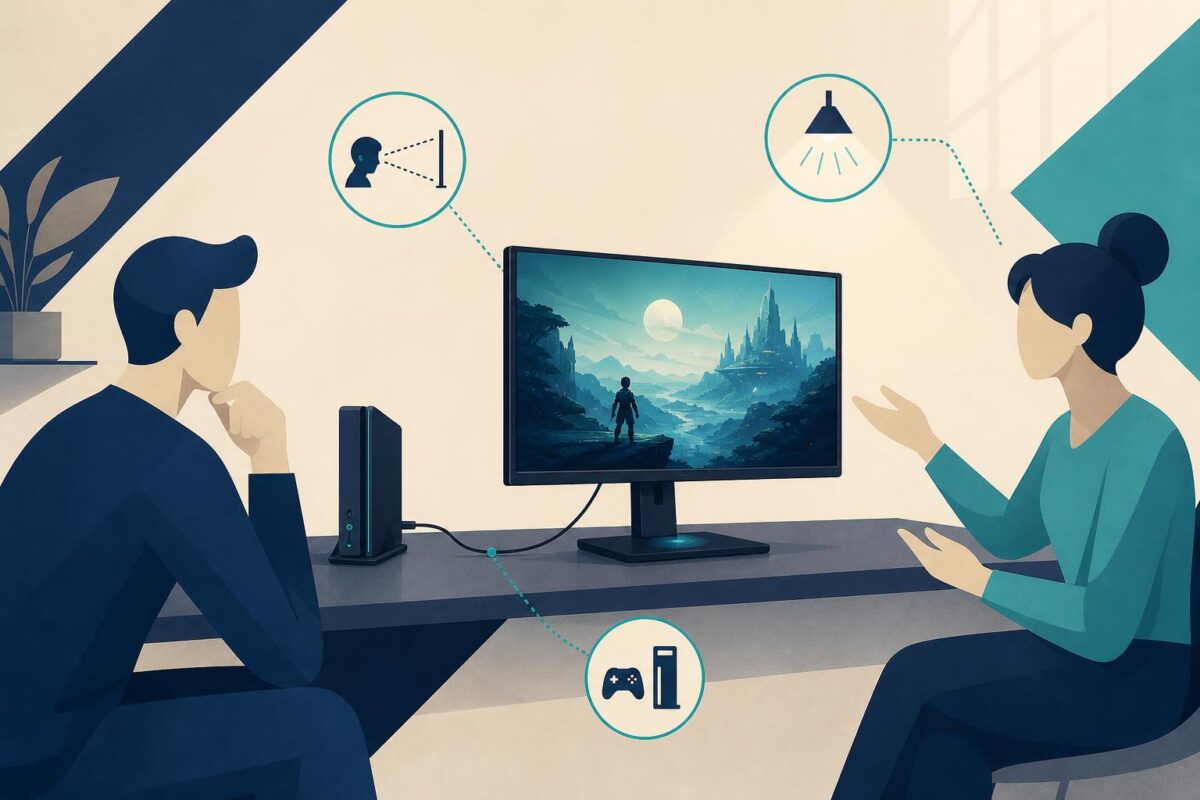
Acer visual support could help when a monitor complaint is really a question about the relationship between the screen and its surroundings. A customer may describe an image as wrong without separating placement, selected input, source material, and the display itself. A remote agent needs more than a model name to choose a useful next question.
This makes monitor setup a strong prospective fit for Viewabo. The opportunity is shared physical understanding, not a promise to diagnose every display fault remotely. This is an independent analysis; it does not imply that Acer uses or endorses Viewabo.
Start with the intended viewing task
Acer’s May 2021 Predator monitor announcement describes displays intended for gaming across computer and console contexts. That establishes a useful support distinction: the same broad product category can serve different sources, spaces, and expectations.
For a hypothetical complaint, a customer may want to use a newly positioned monitor with a console. The first question is what result they expected and what actually appeared. A blank display, an image in the wrong place, and a concern about visual quality need different investigations.
Record the customer’s words before substituting technical labels. Support should not translate looks strange into a confirmed panel defect. A precise description of the visible result gives the next step a purpose.
Use Acer visual support to understand placement
A shared view could establish where the monitor sits, which screen the customer means, and how the relevant source is connected. It can also reveal that the customer is discussing a secondary display while the agent assumes the main screen.
The computer monitor support guide follows the display signal while keeping the room and connected equipment in view.
Keep the request proportionate. The agent needs the relevant arrangement, not a complete tour of the room. Ask the customer to avoid exposing private documents or unrelated content. A focused external view may settle the identification question without showing the screen’s contents.
The physical view has limits. Camera exposure and viewing angle can change how an image appears remotely. An agent should not judge precise color, brightness, or other measured display characteristics from that impression alone.
Separate input selection from display condition
The intended source and the selected input should be identified through the correct product guidance. The customer and agent can then discuss the same controls and connection path. This reduces ambiguity without assuming that an unfamiliar setting is the cause.
Any approved change should answer one question. Explain the expected observation and preserve the starting point. Changing several settings at once may create a different picture without explaining the original concern.
Viewabo could support that conversation by making the accessible arrangement easier to understand. It does not replace the manufacturer’s diagnostics, establish cable capability by appearance, or certify the display’s performance.
Give subjective complaints a fair investigation
Some customers describe a viewing experience rather than an obvious failure. The team should take that concern seriously while explaining what can be assessed. Ask which content, condition, and normal activity make the issue noticeable.
If the question requires an image-quality assessment, route it to the proper process. A visual conversation can prepare the context and identify the equipment before that work begins. It should not become an excuse to dismiss the concern because the screen appears normal through a camera.
Similarly, avoid promising that a different accessory will solve an issue without evidence. Clarify what is known first. A service decision or recommended purchase should follow the relevant technical findings, not the most convenient guess.
Keep movement and mounting outside casual troubleshooting
A monitor can be heavy, awkwardly mounted, or attached to other equipment. Do not ask the customer to move it simply to improve the agent’s view. Use accessible identification and arrange qualified help where the task requires it.
An external illustration of a stand or mount is not proof of a safe installation. The applicable instructions and qualified assessment remain authoritative. Support should distinguish ordinary setup discussion from structural or electrical work.
When the next step belongs with a technician, preserve the exact viewing complaint and the relevant context. The technician should not arrive with only a generic note that the monitor is broken.
Evaluate whether the support question becomes clearer
An Acer visual support pilot could focus on monitor-setup cases with uncertain symptom descriptions. Review whether agents identify the right screen, source, and intended task, and whether escalation contains the evidence needed for the next assessment.
The broader case for video in customer support is strong where the room and arrangement are missing from the ticket. Acer could evaluate Viewabo at that boundary, helping support make a more informed decision without confusing a clearer view with a complete technical diagnosis.