
TP-Link Visual Support: Separate the Smart Device From the Network

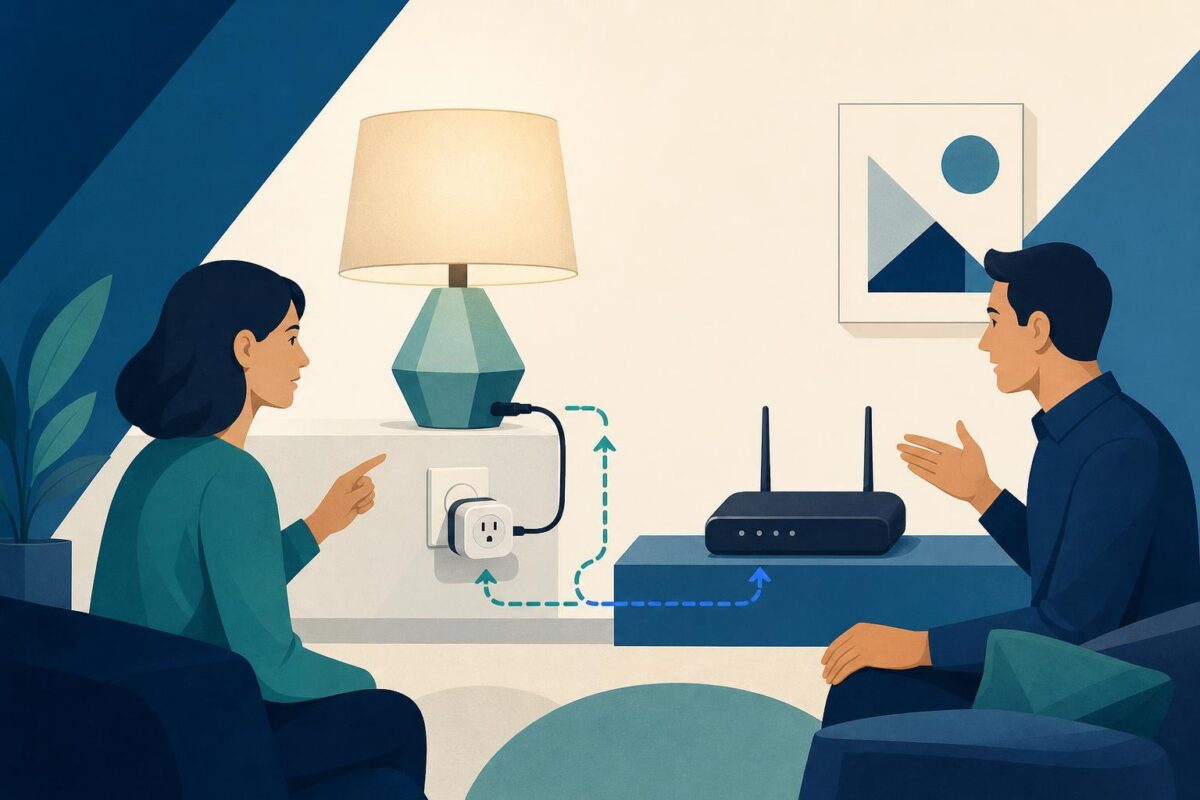
TP-Link visual support could be useful when a customer describes a smart-home device as offline without knowing which part of the setup needs attention. The visible product, home network, and intended household task are related, but they are not interchangeable explanations. Support needs to separate them before proposing a change.
That makes this part of TP-Link’s product world a strong prospective fit for Viewabo. This is an independent fit analysis, not a claim that TP-Link uses or endorses Viewabo.
One brand can appear at several points in the home
TP-Link’s October 2020 product announcement describes home networking equipment alongside Kasa cameras and smart plugs. This breadth matters because a customer’s brand-level complaint may refer to different kinds of equipment and different stages of a task.
The support team should begin by identifying the object the customer means. A router, a smart plug, and the appliance attached to that plug each have a distinct role. Calling all of them the device can make an otherwise simple explanation confusing.
In a hypothetical case, a customer wants a lamp to respond as expected. The agent should record that intended outcome before assigning a network diagnosis. What is the lamp doing now? Which product is the customer interacting with? What changed before the concern appeared?
Establish the visible arrangement without guessing its state
A TP-Link visual support conversation can help identify relevant objects and their physical relationship. The customer may show an accessible smart plug, the ordinary appliance connection, or the location of networking equipment. Keep the view focused on what changes the next question.
However, appearance does not prove connectivity, account status, or electrical suitability. An illuminated indicator has meaning only in the context of the correct product guidance. The agent should distinguish what is visible from what still requires a documented check.
That distinction is especially useful when household terminology differs from support terminology. The customer can identify the object directly, while the agent supplies the relevant name. Both then have a common reference for the rest of the conversation.
Do not reset several layers at once
An uncertain smart-home complaint can tempt support to recommend broad resets. That may remove useful context or affect other household activities without answering the original question. A reset should have a documented purpose and an understood consequence.
Instead, separate the intended appliance task, the smart device’s relevant status, and the network question. Use product-specific guidance to choose the next appropriate check. Record what the step is meant to establish before interpreting the result.
Smart plug support illustrates why network connectivity, plug response, and appliance behavior need separate questions.
The mesh WiFi support workflow helps distinguish a room-specific connectivity problem from a fault in the smart device.
Viewabo could help keep the physical arrangement clear during that reasoning. It does not replace network diagnostics or establish account ownership. Its role is to help the customer and agent discuss the same equipment while they follow the proper support path.
Keep household safety and privacy inside the scope
The nearest outlet is not necessarily a suitable place for every connected product. Support should refer to the exact manufacturer’s instructions and permitted use. It should not infer a safe electrical arrangement from a distant image or advise improvised wiring.
Stop ordinary troubleshooting if the customer reports damage, overheating, or another potentially unsafe condition. The next action should follow the relevant safety and service guidance. A clearer view is not a reason to continue operating uncertain equipment.
Connected-home conversations can also expose more household detail than needed. Ask only for the relevant device or arrangement. The purpose is to answer a support question, not to inspect unrelated rooms, routines, or account information.
Preserve the difference between a test and the desired outcome
A device appearing available during a check may be only an intermediate result. Return to the customer’s original task and establish what can reasonably be verified. If the concern is intermittent, explain what remains unresolved rather than claiming success from one observation.
The handoff should identify which layer was checked and what happened. This keeps the next agent from starting again with a generic network script when the outstanding question concerns the connected appliance or setup process.
Give the customer a clear next owner as well. A household may contain equipment from several vendors. The support team can explain why a particular check belongs elsewhere without converting an uncertain observation into blame for another product.
Test TP-Link visual support on ambiguous setup cases
A pilot could focus on cases where customers struggle to identify which object or connection they mean. Review whether shared visual context improves product identification, reduces repeated explanations, and produces a more specific next step. Compare similar cases without promising a universal result.
The broader case for video in customer support applies to the physical side of connected homes. TP-Link could evaluate Viewabo where seeing the arrangement helps separate a smart-device question from a network question before the customer changes both.